
Admin Tools for ArcGIS®
Over 100 tools to make GIS administration more efficient
Do you spend a lot of time on repetitive tasks while managing your ArcGIS organization? Ever wish there were a smarter way to work—one that lets you perform actions in bulk instead of one at a time? Admin Tools for ArcGIS® helps you manage items, users, and groups more efficiently and intelligently. Each tool was built in direct response to a request from one of our users—because who understands GIS administration better than those doing it every day? With Admin Tools, you can reclaim valuable time and focus on what really matters, rather than getting bogged down in tedious administrative workflows.
Save Time
Reduce Errors
Advanced Filtering
There's a tool for that!
View Item Dependencies
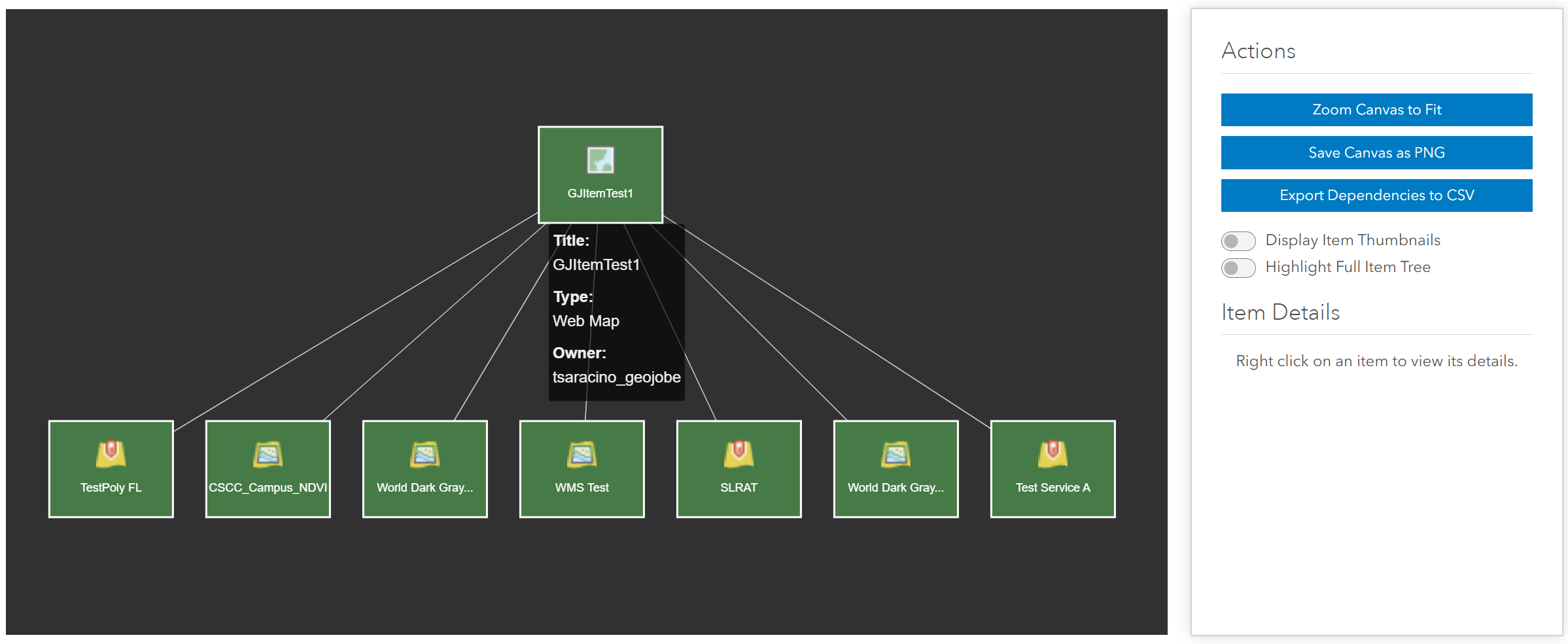
Ever wish you had a quick way to see what maps and applications were using a service in your organization? Or wanted to know what would be affected if you deleted an item? Admin Tools provides an extremly helpful tool for viewing item dependencies and relationships.
Thumbnail Generator
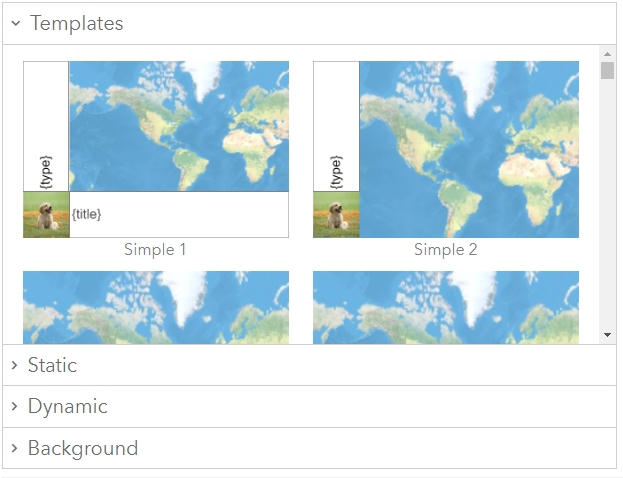
Use Admin Tool's Thumbnail Generator to create standardized thumbnails for every item in your organization. Add information like the item type, owner, and much more. Once you've seen how organized consistent thumbnails makes your organization look, you'll wonder how you ever did without it.
Copy Web Map Symbology / Popups
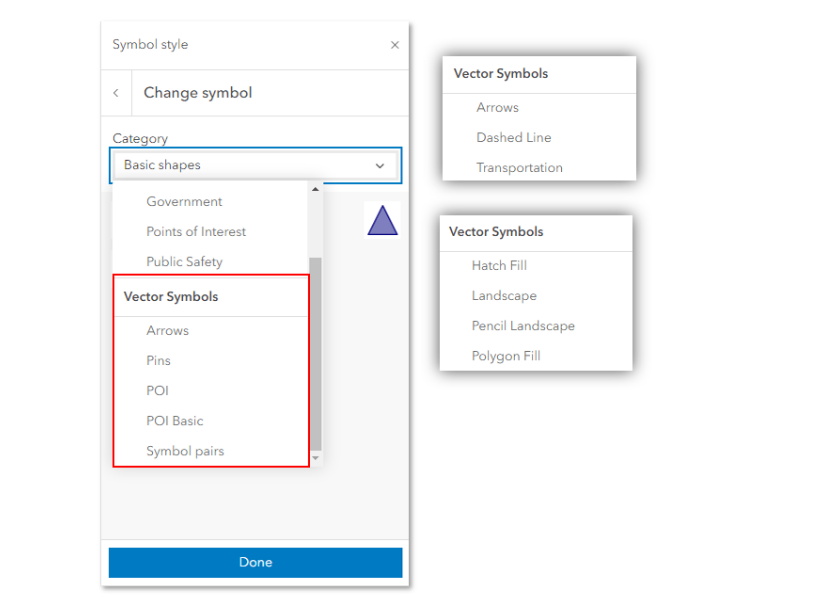
Have you ever had to manually recreate all of the custom symbology and/or popup configurations in a new web map? This can be incredibly time consuming, going back and forth between each map and trying to make sure you didn't miss anything. Admin Tools has a tool to quickly copy the symbology and popup configuration(s) you want from one web map to another, so you'll never have to do this manually again.
Export to CSV / Import from CSV
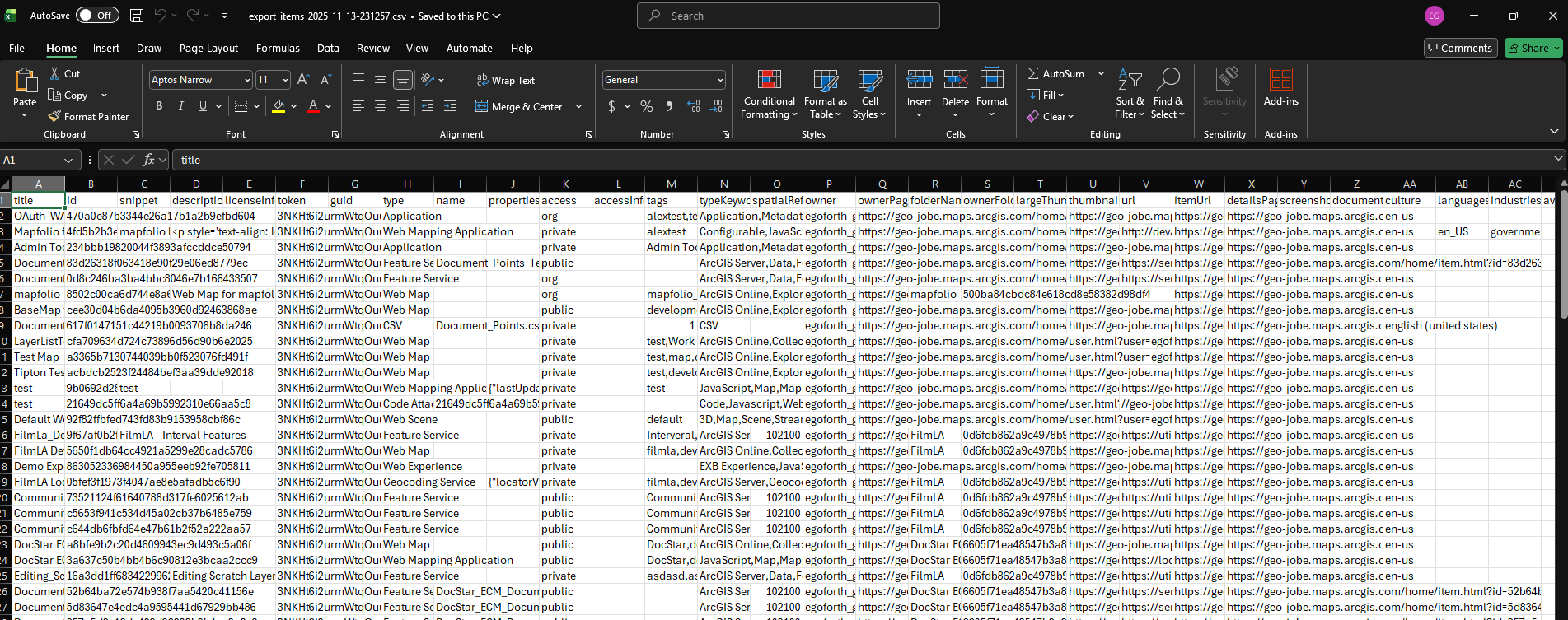
Admin Tools allows you to export items, users, and groups to a CSV file so that you can easily view it all in your favorite spreadsheet program. You can even make changes to attributes in those CSVs, then use the Import tools to apply those changes to the appropriate things!
Admin Tools for ArcGIS® Online
- Connect to an ArcGIS® Online Organization
- Convenient SaaS platform - no installation required!
- A selection of our most popular item tools
- A selection of our most popular user tools
- A selection of our most popular group tools
Admin Tools for ArcGIS® Online Pro
- Connect to an ArcGIS® Online organization
- Convenient SaaS platform - no installation required!
- All of our item tools
- All of our user tools
- All of our group tools
Admin Tools for ArcGIS® Enterprise
- Connect to an ArcGIS® Enterprise deployment
- Available as an on-premise installation
- All of our item tools
- All of our user tools
- All of our group tools
- Additional server-side caching capabilities
Admin Tools for ArcGIS Key Resources
Check out these helpful links to learn more about how Admin Tools can help you save time while administrating your ArcGIS organization.

Just getting started? The official Quick Start Guide
Here you will find our official Quick Start Guide for Admin Tools -- with all the information you'll need to get going once you have acquired your license.

Admin Tools Newsletter
Sign up for the Admin Tools Newsletter to receive email updates when we add new tools, resolve bugs, or just have interesting information to share.