
Backup My Org
Safeguard or migrate your ArcGIS data
Do you feel confident that your important ArcGIS data is recoverable? Even if you currently have a backup system in place, would you use it unless it were an absolute emergency? Most backup solutions take an "all-or-nothing" approach—for example, rolling the entire machine back to a snapshot. Backup My Org is different: in addition to being able to restore everything, it also provides the ability to selectively restore content and its dependencies. Backup My Org gives you peace of mind, knowing your data is backed up by a platform built specifically for ArcGIS and all its complexities.
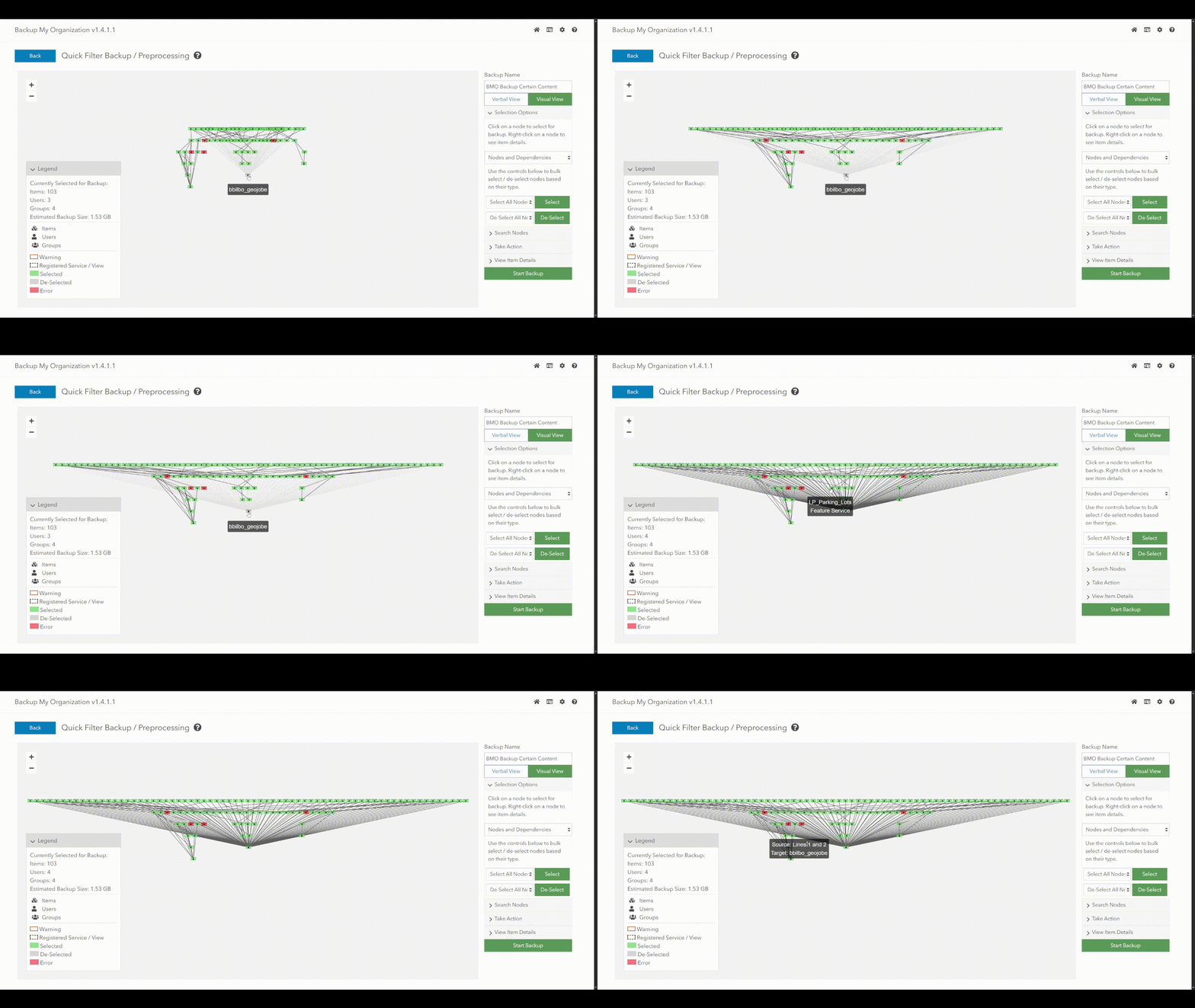
Automatic Backups
Clone Content
Flexible Restoration
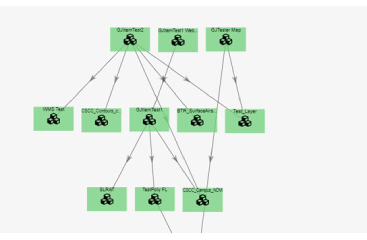
Ever wondered how all of your items are related to each other? How many maps and scenes is that layer used in? In addition to everything else it offers, Backup My Org also contains a helpful item dependency visualization tool, because it was built by GIS people for GIS people. We know ArcGIS content is complicated and interconnected -- and we have simplified the task of dealing with it so that you don't have to.
What's new in Backup My Org v1.4?
New Features:
- Option to Backup Without Dependencies
- Content Selection Filters: Import from CSV
- PFX Certificate Support
- Optional email notification for expired login token
- Dozens of other improvements and updates!
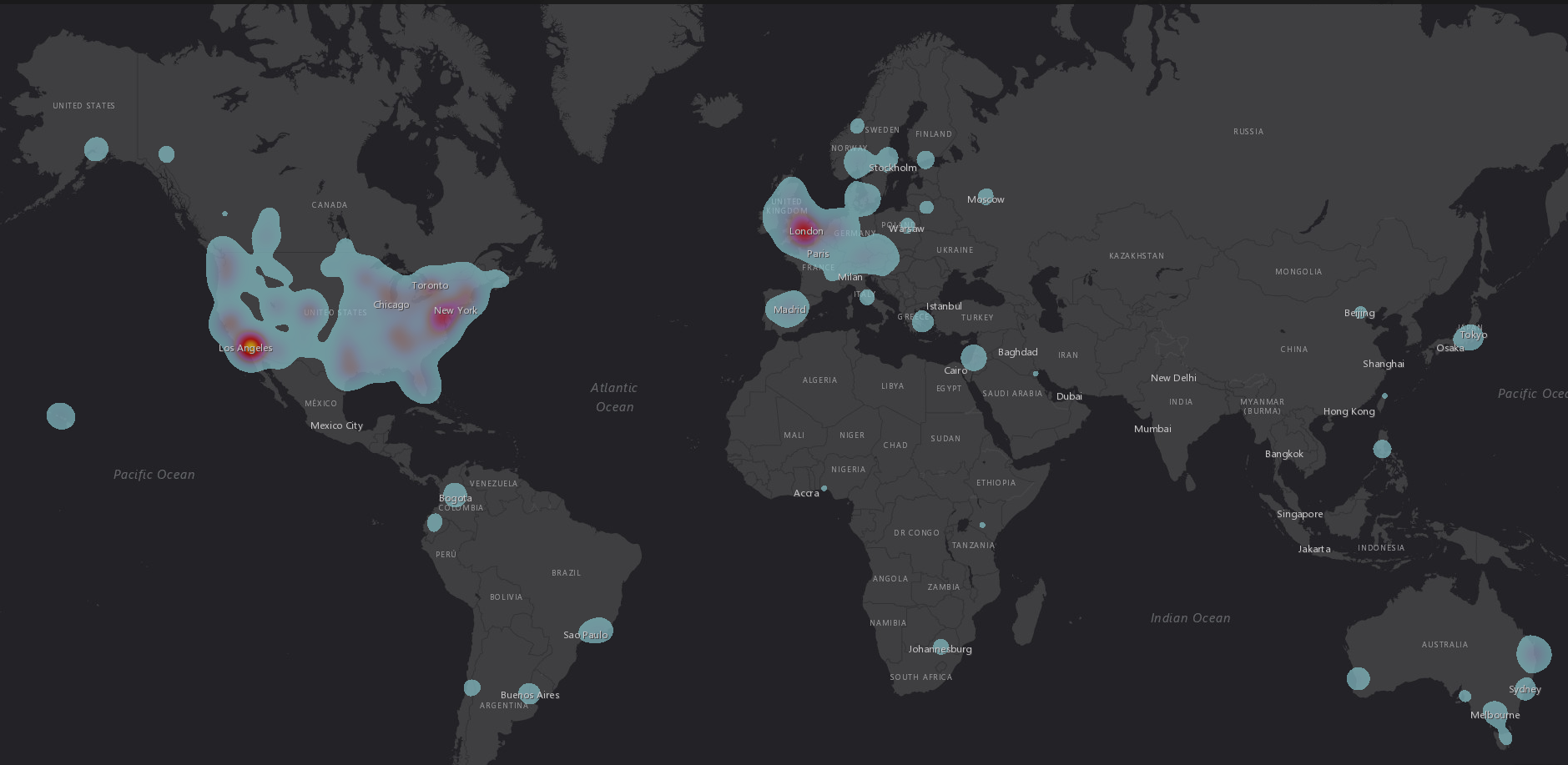

Want to stay in-the-know?
Never miss a detail by subscribing to our Backup My Org Updates newsletter! You'll be the first to be informed whenever we add cool stuff to the application.
of all item types in ArcGIS are supported
Organizations are already using Backup My Org
Satisfaction Guarantee
Supported Item Types
Backup My Org supports backup, restore, and clone on the majority of item types within an ArcGIS Organization:
Applications
- Code Attachment
- Dashboard
- Form (Survey 123)
- Mobile Application
- Native Application
- Native Application Installer
- Solution
- Story Maps
- Web Mapping Application
- Web Experience
- ArcGIS Notebook
- Data Pipeline
- Hub Sites
- Hub Sites Application
Tools
- Geoprocessing Service
- Geometry Service
- Geocoding Service
- Network Analysis Service
Additional Content
- User Settings
- Group Settings
- Data Files
Maps
- CityEngine
- Web Scene
- Web Map
- Web Scene
Layers
- Feature Collection
- Feature Service
- Geodata Service
- Globe Service
- Image Service (registered service only)
- KML
- KML Collection
- Map Service
- Oriented Imagery Catalog
- Scene Service
- Vector Tile Service
- WFS
- WMS
- WMTS
There are a few item types we are unable to support currently, but we are always looking for opportunities to add these to the supported list. More information about these unsupported item types can be found via our documentation page here.
Backup My Org Key Resources
Check out these helpful links to learn more about how Backup My Org can help you avoid disaster with your ArcGIS organization.
Backup My Org on the Esri Partner Page
The official page for Backup My Org on Esri's Partner Website

Just getting started? The official Quick Start Guide
Here you will find our official Quick Start Guide for Backup My Org -- with all the information you'll need to get going once you have acquired your license.

Cloning a Whole Organization?
Here you can find our official recommendations to keep in mind if you are undertaking a migration of your entire organization. Don't go in without a plan!